Update Feb 2024 with Mac OS Sonoma on M3 Pro.
I, recently, changed jobs and got a brand new mac. Now, I am a data scientist and I wanted my new mac to be familiar. In this post, I wanted to show what I installed on my new mac to make it somewhat efficient from the get-go. I Hope, this post will help you get started, quickly :)
1. Install Xcode
xcode-select --install
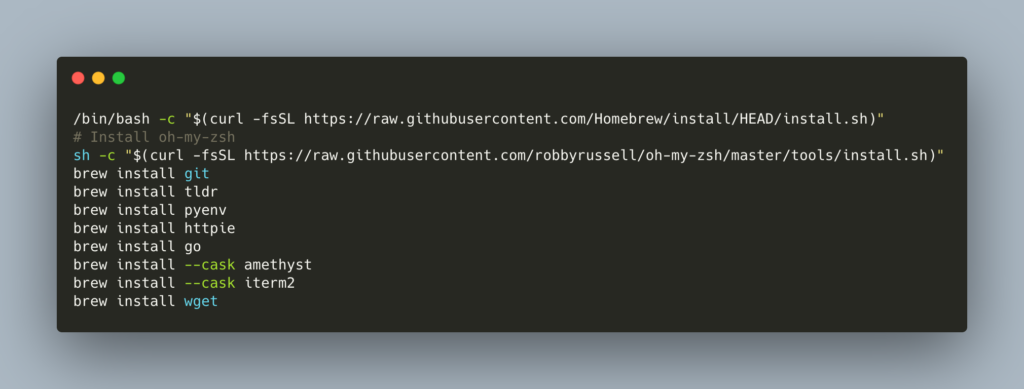
2. Install Packages
Install basic utility packages to get ready to change the world with AI :)
-
homebrew
- 🔔 Make sure to follow the instructions printed after homebrew install is completed
-
oh-my-zsh
-
sh -c "$(curl -fsSL https://raw.githubusercontent.com/ohmyzsh/ohmyzsh/master/tools/install.sh)" -
Enable oh-my-zsh plugins
-
git
-
aliases
-
python
-
-
-
git
-
Setup git ssh
-
Install git lfs -
brew install git-lfs
-
-
pyenv - Manage mulitple python environments)
-
tldr - Get useful help with command line tools
-
httpie - A simpler curl
-
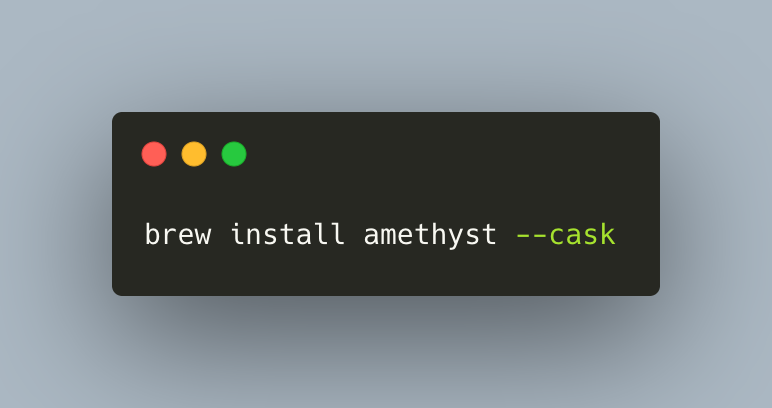
amethyst - manage multiple windows
-
iterm - a better terminal
3. Python 🐍 Installation
-
initialize pyenv -
eval "$(pyenv init -)" -
restart shell - `exec $SHELL`
-
pyenv install 3.12
-
pyenv global 3.12
4. Install Docker (increase memory or at least make a note of this in your mind if some data science images don’t work)
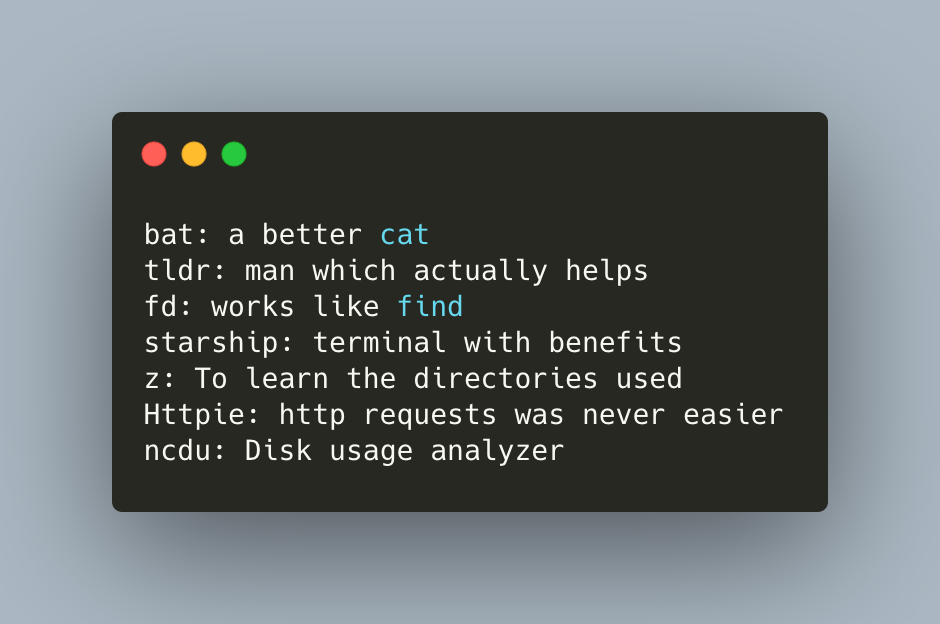
6. CLI Starters
7. Apps
- Amethyst
-
1Password
-
VS Code
- Also add VS code to your command line